How it works
Everyone starts with the Video Content Kit. You record a voice memo on your phone and get back finished videos. A voice twin and an AI video digital twin come later, if you need them. Then you own it.
Set up
I set up your kit with your brand colours, fonts and logo. It runs on your own Claude Pro plan, about NZD $40 a month.
Learn
A two-hour lesson in person in Auckland, where you make your first real video.
Make
Record a voice memo or a quick phone video. The kit turns it into finished videos with your graphics and your own B-roll and music.
Keep going
A how-to video to keep, for going back over the steps, and a 30-minute check-in for anything that got stuck.
Later: if you add a digital twin
A digital twin is step 3. It works through the same kit, so if you already know the kit, the twin is the only new thing to learn. This is what the twin involves.
Before the shoot
We'll have a conversation about your business goals, audience, and what you want your content to do. You'll know exactly what to prepare.
On the day
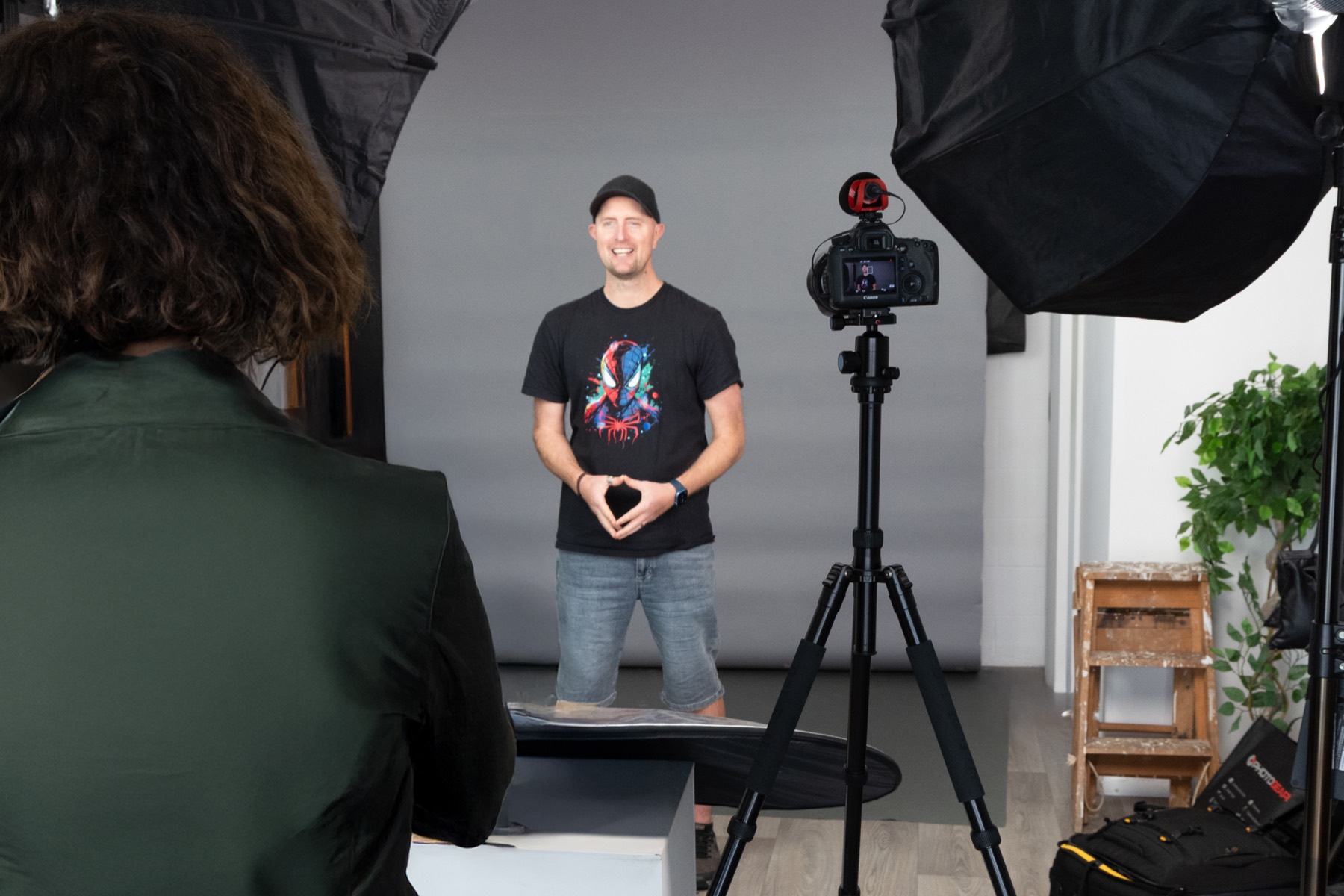
A professional photography and video session in a studio environment. We guide you through it, no acting experience required.
After the shoot
Your digital twin is built and you're trained to use it. A 1:1 training session is included so you leave confident, not dependent.
Why the filming matters
A digital twin is a video, not a photo. It moves, it speaks, it holds a room the way you do, so what it is built from matters far more than it does for a still image. Lighting, camera angle, framing and how relaxed you are on the day all show up directly in how believable the final twin looks.
Your twin is built from whatever the camera and microphone capture. Three things make the biggest difference:
- Detail. Phone video squeezes the file down and throws away fine detail, and the twin can only learn from the detail that is left. Proper recording keeps it, so your face moves cleanly.
- Light. Flat or mixed light leaves very little to work with around your eyes and mouth, which is exactly where a twin starts to look wrong. Good lighting gives it that detail.
- Sound. Echo in the room gets copied along with your voice, and it is very hard to take out afterwards. A quiet, treated room means your voice twin sounds like you, not like you in an empty hallway.
You can attempt this yourself with a phone and a free tool. Most people find the first version looks slightly off, and the fix is more filming, more retakes and more time spent working out why the lighting, the angle or the delivery is not landing. That trial and error is exactly what a professional session removes.
One guided session, with proper lighting and direction, gets your twin looking and sounding right from the first build. You are not just paying for the filming, you are paying to skip the hours most people spend getting it wrong before it looks right.
More on this in why your first AI videos look bad and six things I wish I'd known.
Still spending hours on content you don't have time to make?
Not sure what fits? Book a free 15 to 30 minute call. New to all this? Start with voice memo to video.